
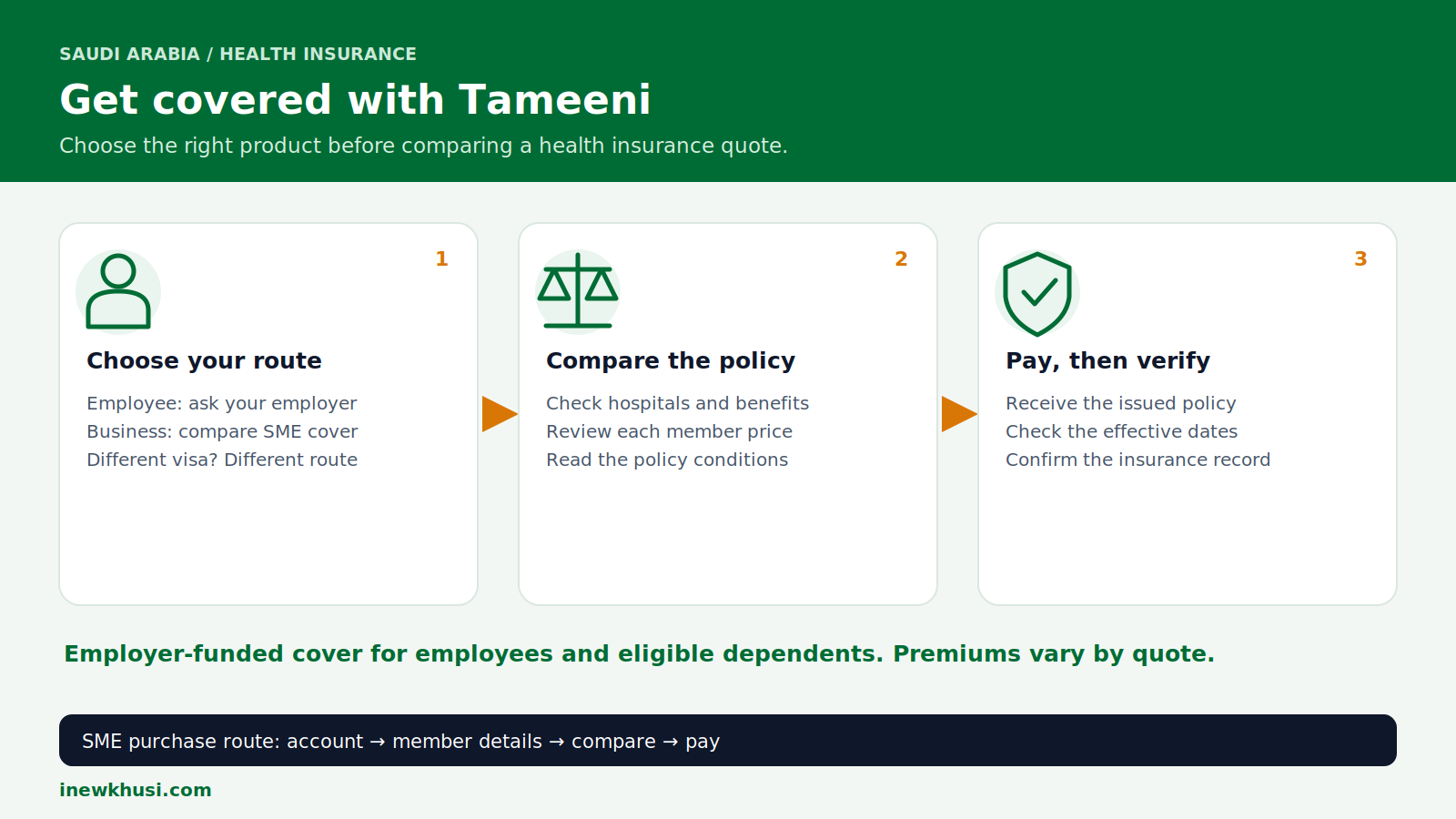
Trying to get health insurance in Saudi Arabia without buying the wrong product? The confusing part is knowing whether your employer should arrange coverage or whether a specialist insurance route fits your status.
This updated Tameeni guide explains the published SME buying process, employer responsibilities and the Insurance Authority’s record check. You will learn what to compare before paying—not just how to find a low quote.
In this guide, you'll discover:
- Who should arrange employee coverage
- What information to prepare
- How to compare and buy through Tameeni
- How to verify coverage and resolve problems
Let's dive in.
| Quick fact | What to know |
|---|---|
| Insurance regulator | Insurance Authority (IA) |
| Purchase route | Tameeni → SME Health → Buy Now |
| Main audience | Businesses arranging employee and eligible-dependent cover |
| Premium in SAR | Quote-based; no universal fixed premium published |
| Timing | Check issuance, effective date and electronic linking separately |
| Information | Business account and insured-member details; disclosure as requested |
| Support | Tameeni: 800 244 4455 · IA Care: 800 124 0551 |
Source: Insurance Authority FAQs; Tameeni SME Health and Contact Us; links appear in the final references.
Who pays for health insurance in Saudi Arabia?
For employees covered by the compulsory system, the employer pays the insurance premiums for the employee and eligible dependents. The Insurance Authority says entitlement begins from the employment start date, including probation. Tameeni provides a business comparison and purchase route; it does not replace the employer’s legal responsibility.
Here’s the deal: Tameeni is the intermediary, not your insurer. Its site identifies it as an Insurance Authority-licensed electronic insurance broker. The selected insurer issues the policy and its conditions determine coverage.
For related residency guidance, browse our Iqama & Visa Services guides. Insurance and residency are separate records; check both when planning an administrative application.
Eligibility and the information to prepare
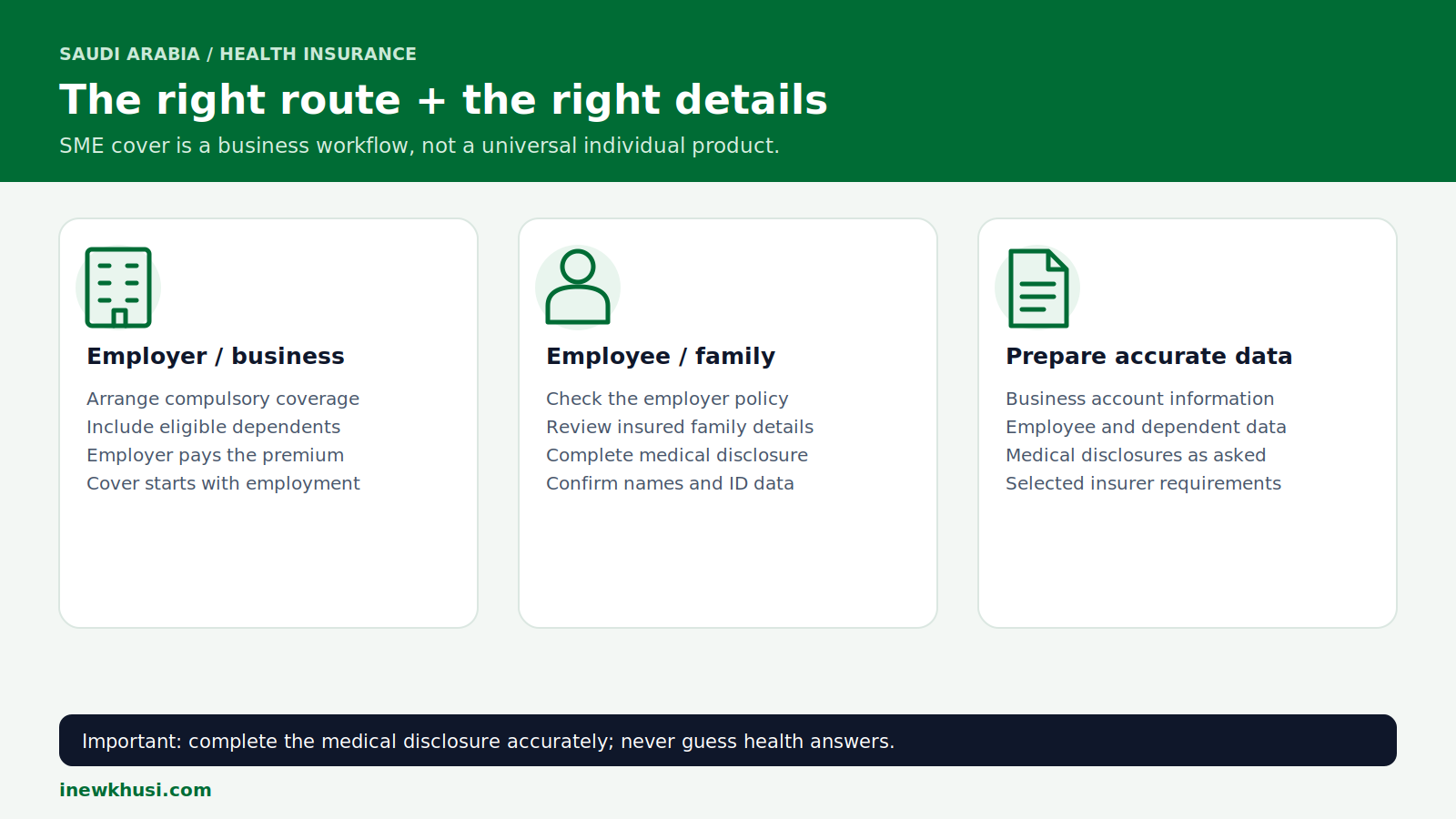
Start with your status. An employee should first check the employer policy. An authorised business purchaser can use Tameeni’s SME route; Premium Residency holders have a separate Tameeni product.
| Prepare | How to use it |
|---|---|
| Business account details | Follow the live account registration requirements |
| Employee and dependent details | Match insured members to their identity information |
| Medical disclosure | Member completes and signs accurately when requested |
| Selected insurer requirements | Supply extra information only when the actual application requests it |
Source: Tameeni SME Health; Insurance Authority FAQs; links appear in the final references.
This is a preparation list, not a universal upload checklist. The public Tameeni page does not publish every mandatory field or document for every insurer. Do not invent a salary threshold, nationality restriction or fixed list of attachments.
Still waiting for residency details? Our guide to checking Iqama status without an Absher account covers the related administrative task. Use the identity information accepted by your insurer.
How to get health insurance through Tameeni
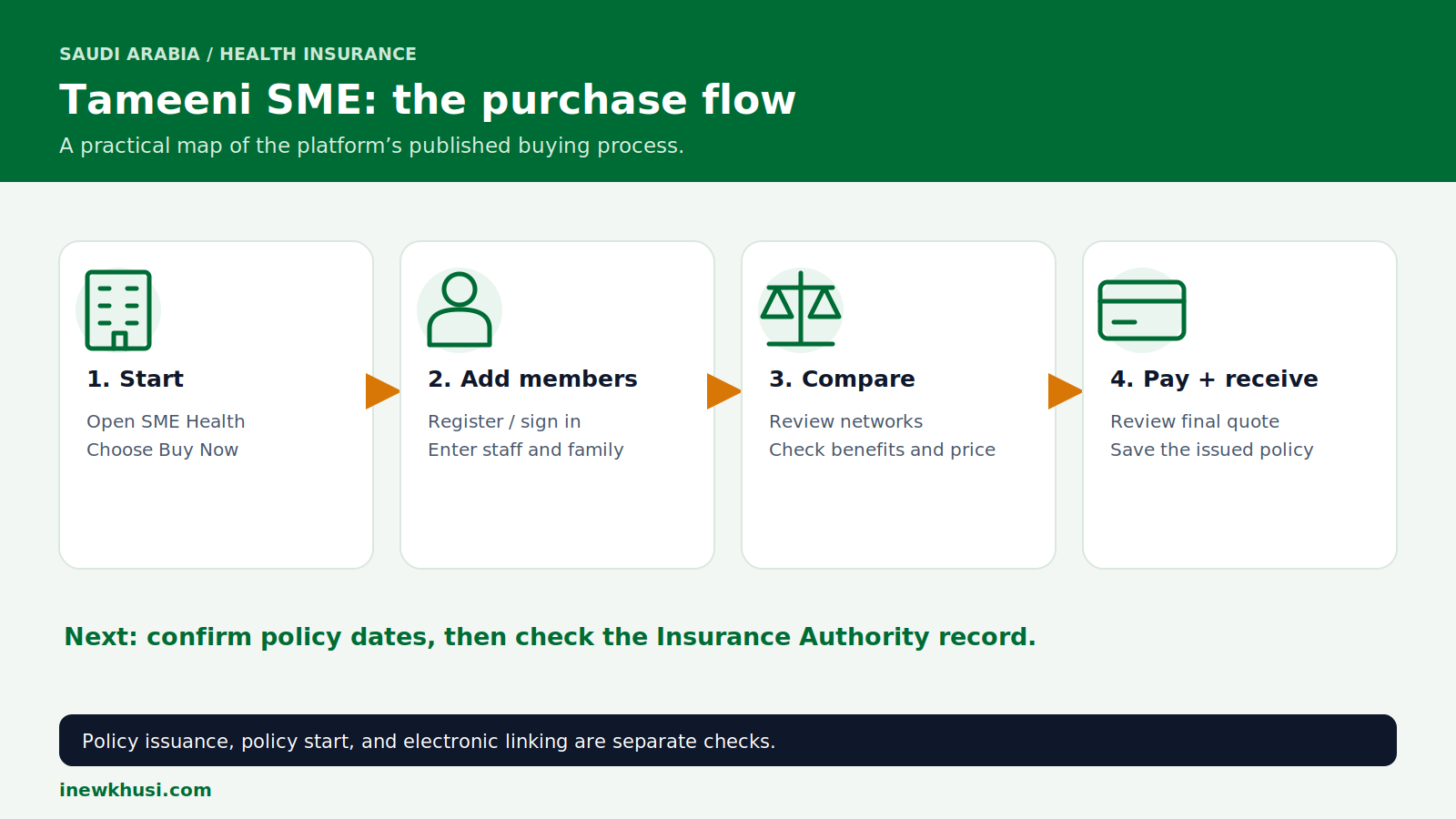
- Step 1 — Open “SME Health” and select “Buy Now”. Use the Tameeni service listed in the sources. The page also offers “SME Login” for returning users.
- Step 2 — Register or sign in. Tameeni describes registration through “Nafaz or Monshaat”. Follow the actual displayed identity or business-login flow; Nafath is Saudi Arabia’s national digital identity service.
- Step 3 — Fill out employee and dependent details. Review every insured member before requesting quotes. Complete medical disclosures honestly.
- Step 4 — Compare offers, pay and receive the policy. Check networks, benefits and each member’s price. Review the checkout total, use an offered payment method and save the policy and receipt.
Check the start and end dates before relying on coverage. A payment receipt is not the same as confirmation that every member is active in the policy record.
Compare health insurance costs, networks and benefits
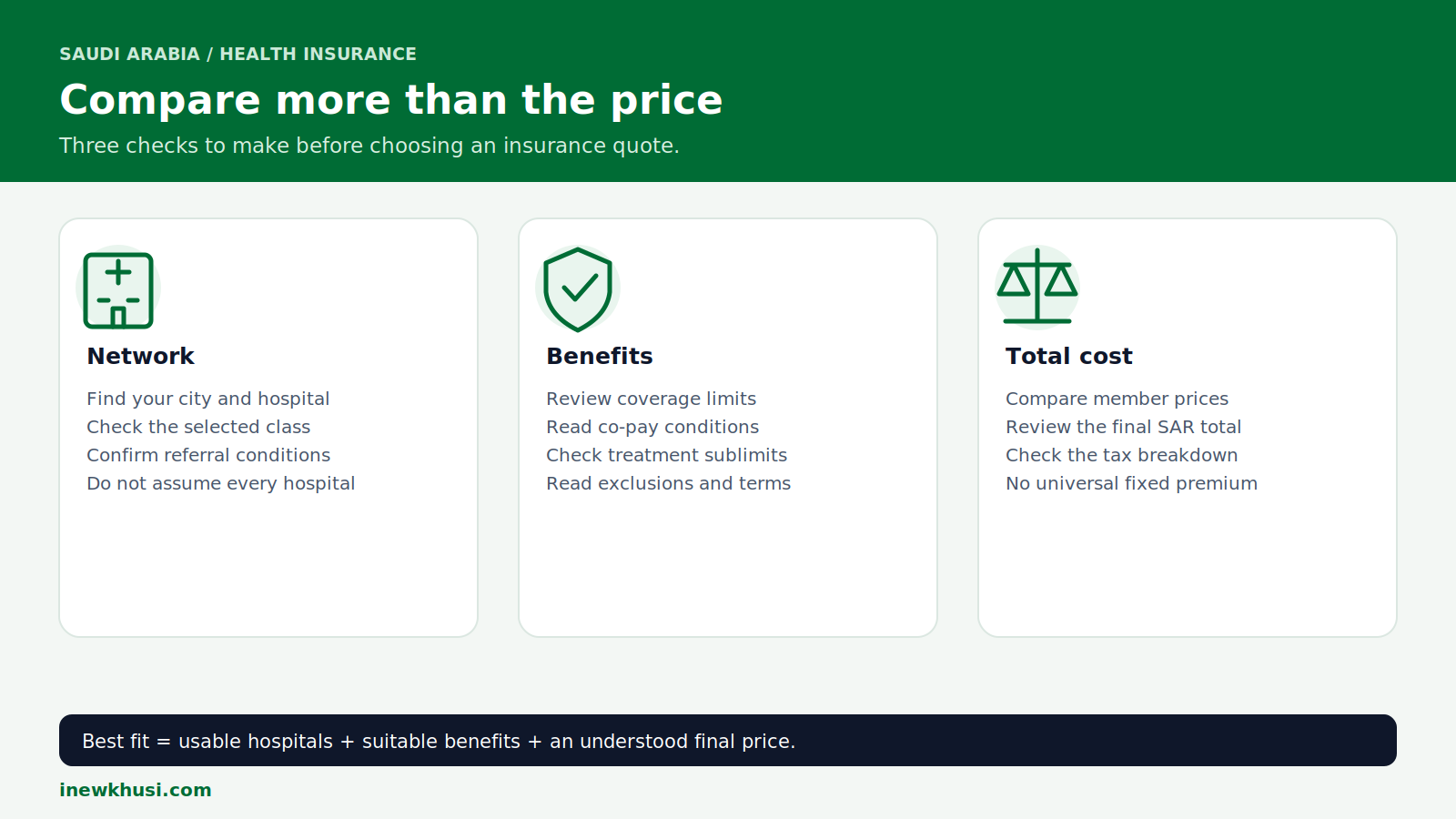
There is no single Tameeni insurance price for everyone. Tameeni lists age, health conditions, class, working city and occupation among pricing factors. Treat online “starting from” amounts as non-binding unless they appear in your own current quote.
| Compare | Check before payment |
|---|---|
| Network | Your hospital, city, pharmacy and selected class |
| Benefits | Annual limit, treatment sublimits, co-pay and exclusions |
| Member prices | Employee and dependent price breakdown |
| Final SAR total | Any separately stated charges and tax on the actual invoice |
Source: Tameeni SME Health; links appear in the final references.
Do not assume every plan has the same annual limit. Review the chosen policy schedule. Likewise, an insurance premium is not a government Iqama renewal fee; see our Iqama renewal planning guide for that separate process.
How do you check whether your policy is active?
Use the Insurance Authority’s Health Insurance Information Inquiry, then open “Start Service”. Enter the National ID or Iqama number used for the policy, complete any displayed verification code, agree to the terms or data consent, and select “Search”. Review the returned insurer and validity details against your issued policy.
- Step 1: Open the IA inquiry service listed in the references.
- Step 2: Select “Start Service” and complete the displayed identity and verification fields.
- Step 3: Review the record and ask the insurer to correct missing or mismatched details.
Do not confuse issuance with linking. Tameeni’s public page contains both a “less than 90 seconds” claim and a 24–48-hour upload statement. These are not a reliable universal guarantee; ask support about your specific policy.
Keep your residency details consistent using our Iqama validity and expiry guide. A residency check does not replace an insurance check.
Mobile access, special cases and common problems
Tameeni advertises a mobile app, but do not assume every SME website action is identical in-app. Use SME Health on the website or contact support if your required business workflow is unavailable.
| Situation | Practical next action |
|---|---|
| Employee without cover | Ask the employer to arrange compulsory coverage |
| Visitor or Premium Residency holder | Use the matching specialist product or inquiry service |
| No record after purchase | Check dates and IDs; contact insurer and Tameeni |
| Payment made, policy missing | Keep transaction evidence; avoid blind repeat payment |
| Hospital not in network | Check the selected class and insurer provider list |
Source: Tameeni SME Health and Premium Residency; Insurance Authority inquiry services and FAQs; links appear in the final references.
Cancellation and refunds are policy-specific. Request the insurer’s written conditions rather than assuming an automatic refund or cancelling an existing policy before replacement coverage is confirmed.
Support and insurance complaints
Contact Tameeni on 800 244 4455 for purchase problems. Its contact page lists telephone service Sunday–Thursday, 8:00 am–5:00 pm; check the page for current channel availability.
IA Care is the regulatory complaint channel. The IA FAQ lists 800 124 0551. Keep the policy, receipt, screenshots and any insurer complaint reference.
- Step 1: Open the IA complaint service and choose “Start Service”.
- Step 2: Sign in through Nafath or create an account; choose “Continue”.
- Step 3: Select “Submit a Complaint”, enter details, add any previous insurer reference and supporting evidence, then review and “Submit”.
Frequently Asked Questions (FAQs)
Can I buy Tameeni health insurance as an employee?
Do not assume the SME product is a personal purchase route. Its published workflow is for arranging company employee and dependent cover. If compulsory coverage applies to you, the employer is responsible for arranging it and paying the premium. Ask which policy already covers you before buying a different product.
Does the employer cover me during probation?
Yes, for employees covered by the compulsory system. The Insurance Authority says insurance entitlement begins from the employment start date, including probation. Ask your employer for the insurer and policy details, then check your own record. A promise to add you only after probation is not the stated rule.
Is the cheapest policy enough for my family?
Price alone cannot establish suitability. Review each family member’s details, hospital access, co-pay and benefit conditions in the actual quote. The employer’s obligation concerns eligible dependents, not every relative automatically. Ask the insurer to confirm eligibility and network access before accepting a lower-cost class or removing someone from coverage.
Will payment immediately update my insurance record?
Not necessarily. Policy purchase, its effective date and electronic record updates are separate checks. Tameeni publishes differing timing claims, so this guide does not promise instant linkage. Save the policy and receipt, run the IA inquiry, and contact the insurer or Tameeni if the record does not match.
What is the fixed 2026 Tameeni premium?
No universal fixed premium is published on the reviewed SME page. Insurers price individual members using factors such as age, health conditions and class. Use a current quote for your actual employees and dependents, review the final SAR amount, and do not treat a blog’s sample price as an entitlement.
Your final health insurance checklist
Getting health insurance in Saudi Arabia is easier when you choose the correct route first. Employees should start with their employer; business purchasers should compare real quotes using accurate employee and dependent information. The lowest premium is only useful when the benefits and hospital network fit the people being insured.
- Confirm responsibility: identify who must arrange and pay for coverage.
- Compare carefully: check hospitals, benefit conditions and the final price.
- Verify completion: save the policy and confirm the official record.
Next action: open Tameeni SME Health or the IA inquiry using the official links below. Which part of the insurance process has been most confusing for you? Share your experience in the comments—without posting identity or policy numbers.
Official Sources & References
- Insurance Authority — FAQs, employer duties and IA Care — https://www.ia.gov.sa/en/help-and-supports/faqs
- Insurance Authority — Health Insurance Information Inquiry — https://www.ia.gov.sa/en/eservices-ia/service-details/Health-Insurance-Information-Inquiry
- Insurance Authority — Check Health Insurance — https://www.ia.gov.sa/en/CheckHealthInsurance
- Insurance Authority — Complaint against an insurance company — https://www.ia.gov.sa/en/eservices-ia/service-details/Complaint-against-an-insurance-company
- Insurance Authority — IA Care portal — https://icare.ia.gov.sa/
- Insurance Authority — Visit Visa Travel Insurance Inquiry — https://www.ia.gov.sa/en/eservices-ia/service-details/Visit-Visa-Travel-Insurance-Inquiry
- Tameeni — SME Health purchase and comparison — https://www.tameeni.com/en/health-sme
- Tameeni — Contact Us — https://www.tameeni.com/en/contact-us
- Tameeni — Premium Residency insurance — https://www.tameeni.com/en/premium-residency
Regulatory information checked on 6 November 2026. Government rules are sourced to the Insurance Authority; Tameeni’s own published pages support its product, purchase flow and contact details.
