
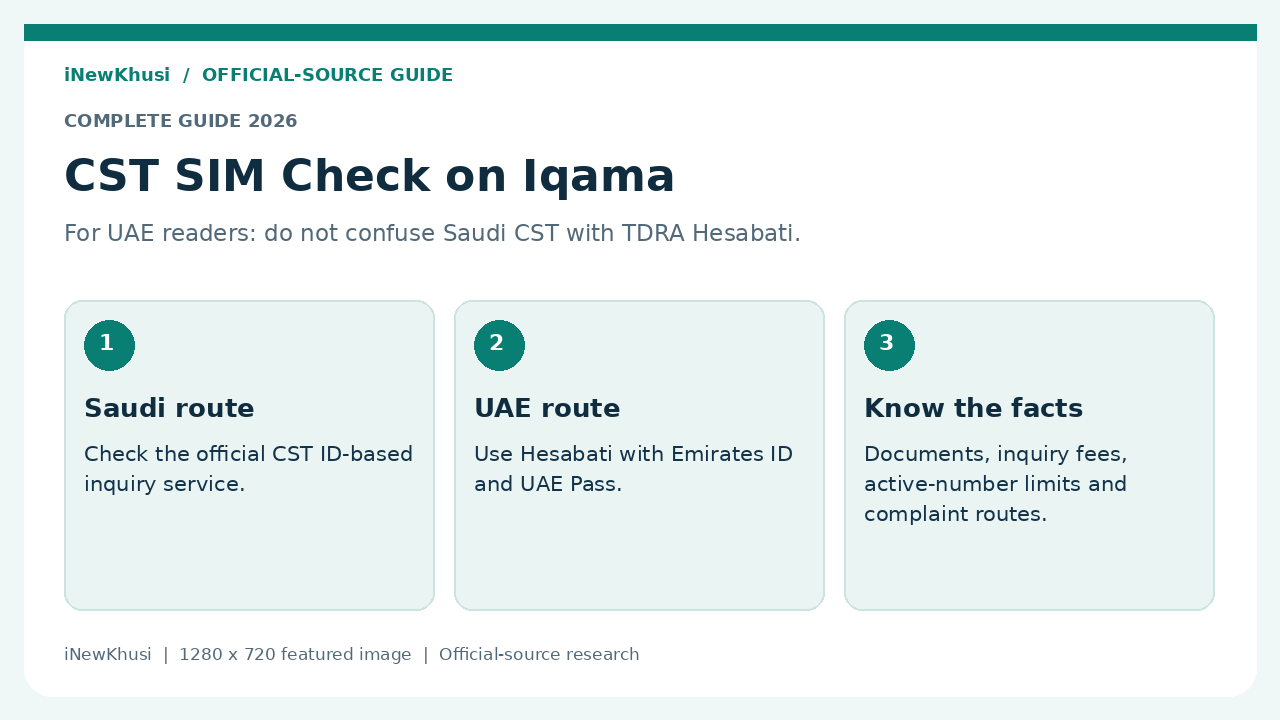
Trying to work out how to check SIM card on my Iqama can get confusing—especially when you live in the UAE and search results mix two countries.
This guide separates the official Saudi CST route from the UAE alternative and explains the documents, fees and next steps without guessing.
In this guide, you’ll discover:
- Which regulator matches your SIM account.
- What identity details and documents are actually listed.
- How the official inquiry processes work.
- What to do about an unfamiliar number.
Let’s dive in.
| Item | Saudi Arabia: CST | United Arab Emirates: TDRA |
|---|---|---|
| Official service | Inquire about my numbers, also called Arqami | Hesabati |
| What it checks | Phone numbers and data SIMs registered under the entered ID | Active mobile and fixed numbers registered under Emirates ID |
| Access described | Inquiry category, ID number and mobile number if any | Sign in using UAE Pass |
| Published inquiry fee | Service fees: Not Applicable | Free of charge |
| Published timing | Immediately | One working day (Instant), as written by TDRA |
| Listed documents | Not Applicable on CST’s service card | None |
| Important result limit | Only active and authenticated numbers are shown | Phone numbers must be active to appear |
How to Check SIM Card on My Iqama: Start With the Country
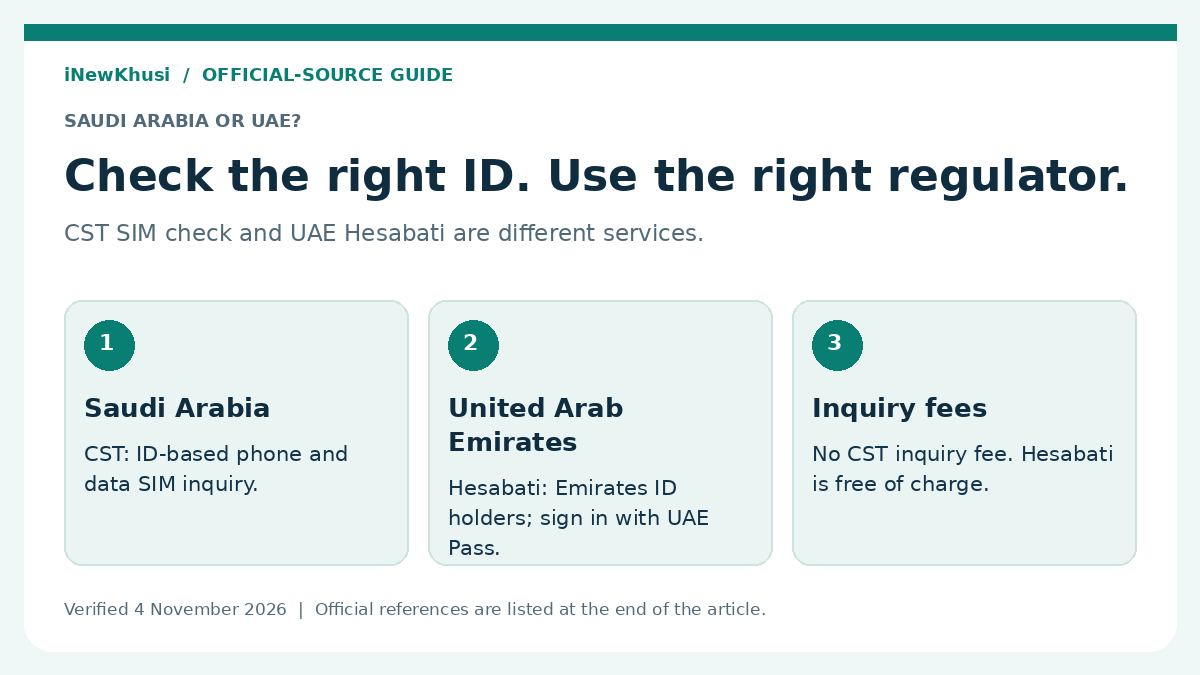
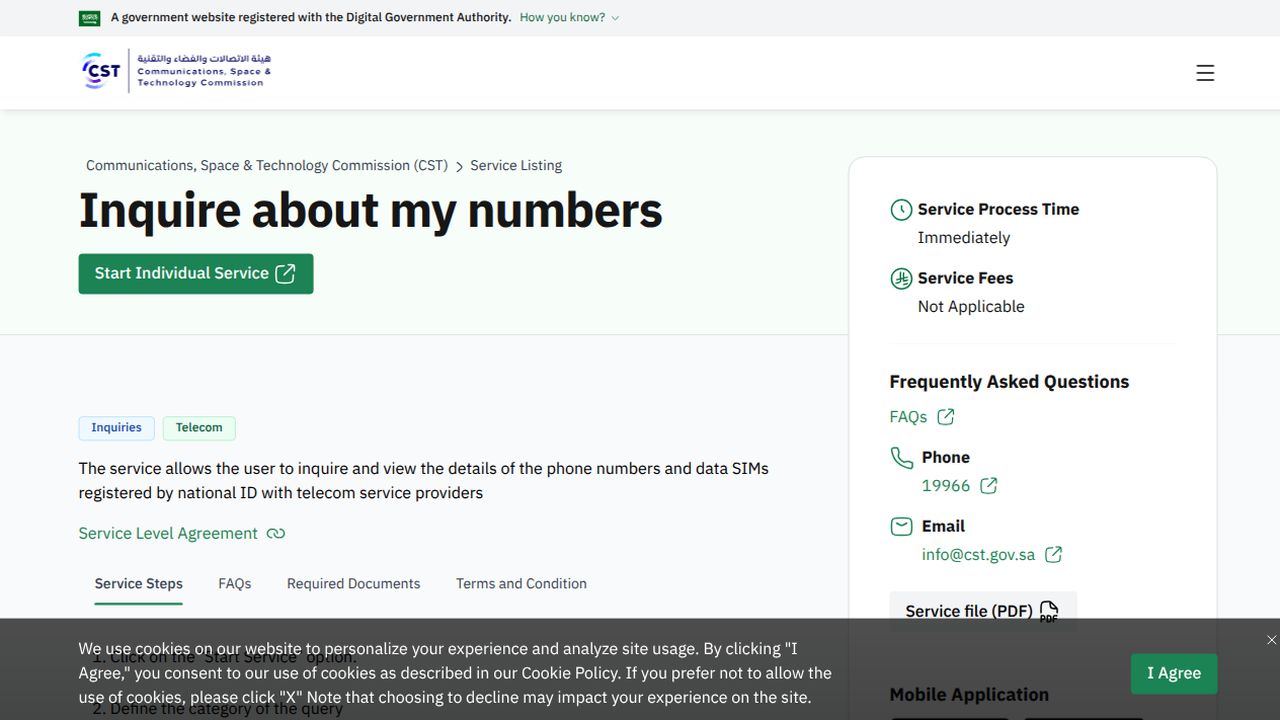
Saudi CST’s “Inquire about my numbers” service checks phone numbers and data SIMs registered under an ID. In the UAE, TDRA’s Hesabati checks active mobile and fixed numbers registered under Emirates ID. Match the service to your telecom account’s country before entering any personal information.
Here’s the deal: a UAE-targeted article should not present CST as the UAE regulator. These official services use different identity systems and cover different telecom markets.
CST calls the Saudi service an ID-based inquiry. Its public card does not separately describe every resident-ID field. This guide therefore does not invent a current Iqama form layout, a guaranteed OTP route or cross-border access rules.
CST SIM Check Iqama: Eligibility and Identity Requirements
| Check | Saudi CST | UAE Hesabati |
|---|---|---|
| Identity basis | The public instructions request an ID number; a commercial-registration route is also mentioned | Individuals who have Emirates ID |
| Authentication | Follow the live inquiry prompts; no universal OTP or Nafath requirement is asserted here | UAE Pass login is explicitly required |
| Age or income threshold | No separate threshold is stated on the reviewed service card | No age or income threshold is stated on the reviewed service card |
| Account visibility | Active and authenticated numbers only | Active mobile and fixed numbers only |
| Country match | Saudi service; do not substitute Emirates ID for a Saudi identity | UAE service; do not substitute a Saudi Iqama for Emirates ID |
Use the identity associated with the telecom subscription. The Saudi instructions mention both an ID and commercial-registration number because the published process includes inquiry categories; that does not make the business route the right choice for every individual.
UAE eligibility is explicit: individuals who have Emirates ID. TDRA also explicitly requires UAE Pass sign-in. The reviewed Hesabati page does not describe an alternative identity document for tourists.
Need to organise your Saudi residence information first? Our related Iqama validity and expiry-date guide is a separate reading resource. Residence checks and telecom-number inquiries are different tasks.
CST SIM Check Iqama Documents: What You Actually Need
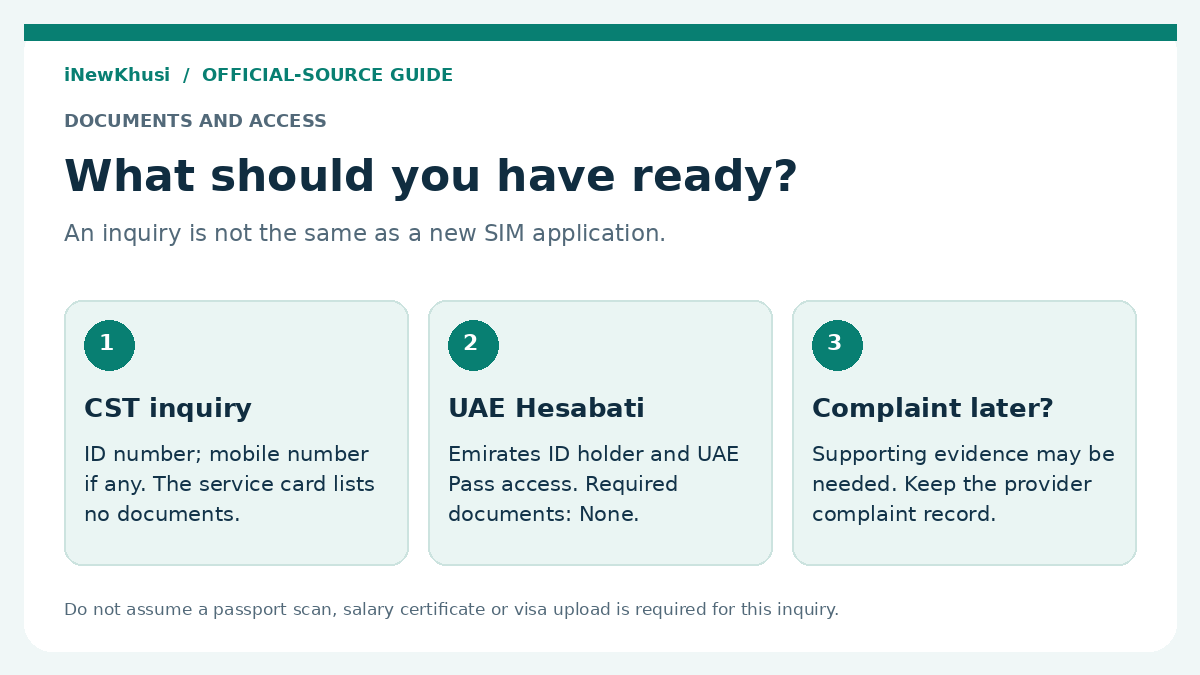
For the Saudi inquiry, CST lists required documents as “Not Applicable” and asks for an ID number plus a mobile number if any. UAE Hesabati lists required documents as “None”; its access conditions are Emirates ID ownership and UAE Pass login. Complaint evidence is a separate requirement.
| Item | Saudi CST inquiry | UAE Hesabati inquiry |
|---|---|---|
| Identity details | ID number, following the selected category | Be an Emirates ID holder |
| Mobile number | Enter the mobile number you want to inquire about, if any | No separate mobile-number entry is listed in the published steps |
| Login access | Use the current official service prompts | UAE Pass account |
| Scanned attachments | Required Documents is listed as Not Applicable | Required Documents: None |
| Passport, visa or salary certificate | Not listed as inquiry attachments on the reviewed service card | Not listed as required Hesabati documents |
| Evidence for later disputes | Separate CST complaint process can require supporting documents | Separate TDRA dispute process lists supporting documents, if any |
“No documents” does not mean “no identity verification.” It means the service card does not list uploaded supporting attachments for this inquiry. You still need to follow the official access process.
But wait—there’s a useful distinction. A new SIM application, identity update or complaint is not the same service as viewing registered numbers. Do not borrow another procedure’s document checklist and present it as an inquiry requirement.
Do not assume a date-of-birth field, passport-number search or a specific OTP sequence. Those details were not established from the live authenticated inquiry form during this verification.
Fees, Processing Times and What the Results Cover
| Service | Official fee wording | Official timing wording | Key limit |
|---|---|---|---|
| CST numbers inquiry | Not Applicable | Immediately | Active and authenticated numbers |
| TDRA Hesabati | Free of charge | One working day (Instant) | Active numbers linked to Emirates ID |
| CST complaint escalation | Not Applicable | 30 Days | Provider-complaint conditions must be met |
| TDRA provider dispute | Free of charge | 5 / 10 / 15 working days | Regular / medium / complex disputes respectively |
The inquiry itself has no published fee in either service. That does not mean an existing mobile plan, unpaid bill, replacement SIM or separate provider transaction becomes free.
Keep TDRA’s timing wording intact. The Hesabati card says “One working day (Instant).” We preserve both parts rather than inventing an exact number of seconds or promising a universal completion time.
These are inquiry services, not savings or investment products. Interest rates, premiums, payout amounts and investment tenures are not service features to calculate here. The reviewed cards do not state a tax benefit, subsidy or financial exemption for making a lookup.
How to Check SIM Card on My Iqama: Official Saudi Steps
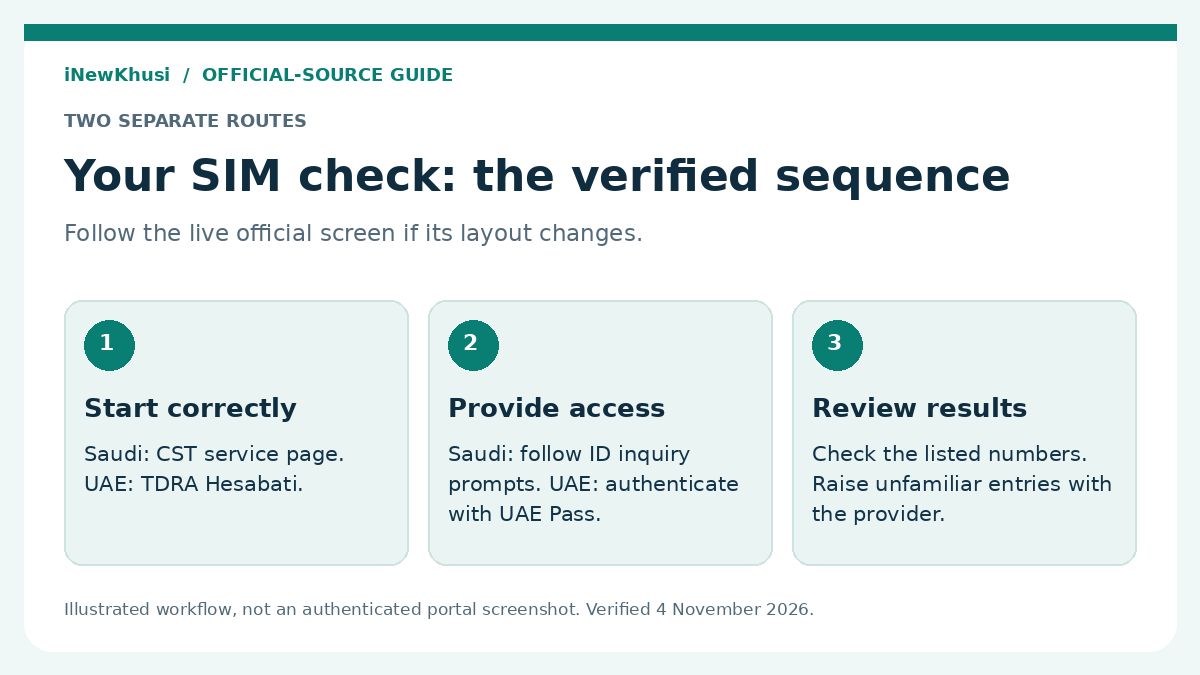
Start from CST’s public service page, not a copied third-party form. The official page publishes the five steps below. The labels after launch may change, so follow the live prompts rather than forcing an old screenshot’s layout.
| Step | Action | Required | Time |
|---|---|---|---|
| 1 | Open the official service page and select Start Individual Service | Official CST service page | No per-step time published |
| 2 | Select the inquiry category | Your applicable inquiry category | No per-step time published |
| 3 | Enter the ID or commercial-registration number | Correct identity details for the selected route | No per-step time published |
| 4 | Enter the mobile number to inquire about, if any | Mobile number if available | No per-step time published |
| 5 | Choose the inquiry option and review the output | Complete the live portal’s prompts | Overall published service time: Immediately |
- Open the official CST service card. Confirm that you are on the Saudi regulator’s domain, then select the service launch button.
- Choose the applicable inquiry category. Follow the category that matches your identity and account rather than entering a business identifier for an individual check.
- Provide the requested identity number. CST’s published instructions say ID or commercial-registration number; complete the current identity prompts shown for your route.
- Add the mobile number if any. The public instructions make this conditional. Do not enter someone else’s number as a workaround.
- Run the inquiry and review the returned information. Compare the displayed entries with the accounts you recognise and raise unexpected entries with the relevant provider.
Can you proceed without a mobile number? CST’s current instructions say “if any.” Its 30 April 2018 launch notice described an ID-only route to identify providers with subscriptions, not an unconditional promise of today’s full-number display without verification.
For UAE Readers: Use Hesabati With Emirates ID
For a UAE account, the official process is three steps:
- Log in using UAE Pass. Open the official TDRA service route and complete the authentication prompts.
- Select “Hesabati” from the menu. This is the name used in TDRA’s published service steps.
- Review your active numbers. The result covers active mobile and fixed phone numbers registered under your Emirates ID with UAE service providers.
The result? A UAE-specific view of the numbers linked to your Emirates ID. It is not a combined Saudi-and-UAE account report.
| Route | Verified digital channels | Offline position |
|---|---|---|
| CST numbers inquiry | CST website and mobile application | No separate walk-in inquiry procedure is described on the reviewed card |
| UAE Hesabati | TDRA website and smart app | No offline Hesabati procedure is listed on the reviewed card |
| Unfamiliar number | Contact the relevant service provider through its official channels | Use the provider’s available support channels; do not assume a branch visit is mandatory |
There is no verified offline inquiry walkthrough to reproduce here. Contacting a provider about a problem is a different activity from accessing the regulator’s account-list service.
Found an Unknown Number? Use the Correct Complaint Route
For Saudi entries, complain to the service provider first. CST specifically mentions numbers registered without the user’s knowledge, an unfulfilled cancellation request and objections to the accuracy of the inquiry information.
Watch the official timing language. The My Numbers card says escalation is available if the provider does not process the complaint within five working days. The separate escalation card uses “5 days” and also covers closure without a solution; check the applicable live rule before filing.
The Saudi escalation card states two further deadlines: complain to the provider within 60 days of the invoice or incident, and escalate within 180 days of the provider’s closure or expiry of its processing period. These are complaint deadlines, not the validity period of a SIM inquiry.
Saudi escalation uses Nafath login and a service form. Supporting documents can include invoices, a service contract or payment notices. The card also addresses representation if another person files on the beneficiary’s behalf.
For UAE entries, TDRA also requires a provider complaint first. If dissatisfied with its resolution, apply for TDRA’s provider-dispute service through UAE Pass and submit the form. Supporting documents are requested if any; the authority lists 5, 10 or 15 working days by dispute complexity.
Limits, Missing Numbers and Common Access Problems
| Benefit | What the inquiry does not prove |
|---|---|
| Review identity-linked telecom accounts | A blank result does not establish a complete history of every old subscription |
| Identify unfamiliar entries for investigation | The inquiry itself does not cancel a SIM or decide a dispute |
| Check without an inquiry fee | A free check does not cancel an existing telecom bill |
| Use a regulator’s official service | A public service description is not a guarantee that the login interface never changes |
A missing number is not automatically a rejected application. CST restricts its display to active, authenticated numbers; TDRA requires active numbers. Apply these visibility rules before concluding that a provider has erased a record or that cancellation is complete.
If a Saudi number is active but needs authentication, contact the provider. CST explicitly advises this to avoid service cancellation. It does not describe the number inquiry itself as a substitute for provider authentication.
Wrong country, wrong identity route or incomplete login can prevent a useful check. Treat these as practical troubleshooting checks, not as an official rejection-code list. The reviewed pages do not publish a full list of error codes or residency-status disqualifications.
There is no separate renewal or withdrawal process described for running these inquiries. Account renewal, identity updates, billing and termination belong to the relevant provider’s services, not to the act of viewing a list.
If you are also organising residence records, these related site guides cover Iqama-status questions involving passport details and residence-status checks without an Absher account. Neither is evidence of an alternative CST authentication method.
Latest Verification, Historical Updates and Official Support
This article was checked on 4 November 2026. That is the verification date, not a claim that either regulator introduced a new rule on that day.
The dated CST launch notice is from 30 April 2018. It explains the original Arqami service and ID-only provider lookup. It is historical context, not a substitute for the current service card or a newly issued amendment.
No new 2026 amendment is claimed here. The reviewed current cards establish the published steps and conditions, but they do not justify inventing a recent launch, new deadline, fee increase or special UAE-Iqama linking arrangement.
Saudi support: CST publishes 19966 and [email protected]. UAE support: TDRA publishes 800 12, international +971 4 7774444 and [email protected]. Use the official contact pages in the final source list for current availability.
Frequently Asked Questions
Is CST SIM check the correct service for a UAE SIM?
No. CST’s numbers inquiry is the Saudi service. For UAE subscriptions, TDRA’s Hesabati displays active mobile and fixed phone numbers registered under an Emirates ID. Sign in using UAE Pass. If you hold telecom accounts in both countries, use each country’s service separately rather than treating the results as one cross-border SIM register.
What documents are needed for a CST SIM check on my Iqama?
The reviewed CST service card lists required documents as Not Applicable. Its published steps ask for an inquiry category, an ID or commercial-registration number, and a mobile number if any. It does not publish a separate Iqama attachment checklist. Follow the current official identity prompts rather than assuming that passport or salary-certificate uploads are required.
Can I check Saudi numbers if I do not have a mobile number?
CST’s current public instructions describe the mobile number as optional by saying “if any.” Its 30 April 2018 launch notice also described an ID-only route showing providers with subscriptions under that ID. That historical description does not establish that today’s live form will reveal every full number without further verification.
Is the SIM check free, and how long does it take?
CST lists the inquiry fee as Not Applicable and its service time as Immediately. TDRA lists Hesabati as free of charge and describes its expected time as “One working day (Instant).” These are published service descriptions, not a guarantee that authentication, technical availability or a separate complaint will take the same amount of time.
Why is a number missing from my results?
Start with the stated visibility rules. CST says only active and authenticated numbers are shown, while TDRA says numbers must be active to appear in Hesabati. CST directs users with an active number requiring authentication to the provider. A missing entry alone is not evidence that an account never existed or that cancellation has completed.
Does checking my registered numbers cancel an unknown SIM?
No. The inquiry services display registered-number information; cancellation and disputes are separate matters. CST directs users to complain to the provider about unfamiliar registrations, inaccurate information or an unfulfilled cancellation request. In the UAE, TDRA’s dispute service requires a provider complaint first and permits escalation if the customer is dissatisfied with the resolution.
The Bottom Line: Check the Right Account, Not Just the Keyword
If you searched how to check SIM card on my Iqama, the most useful starting point is identifying which country’s telecom account you actually need to check.
First, keep Saudi CST and UAE Hesabati separate. Second, use the published checklist: CST lists no inquiry documents, while Hesabati lists none and requires Emirates ID ownership plus UAE Pass access. Third, remember that an unfamiliar number needs a provider complaint, not another lookup.
Ready to check? Open the relevant official service from the source links below and follow its current prompts. Do not pay an unofficial intermediary merely to repeat a free inquiry.
Which part of checking registered numbers was most confusing for you? Share the step—not your identity number or private account details—in the comments.
