
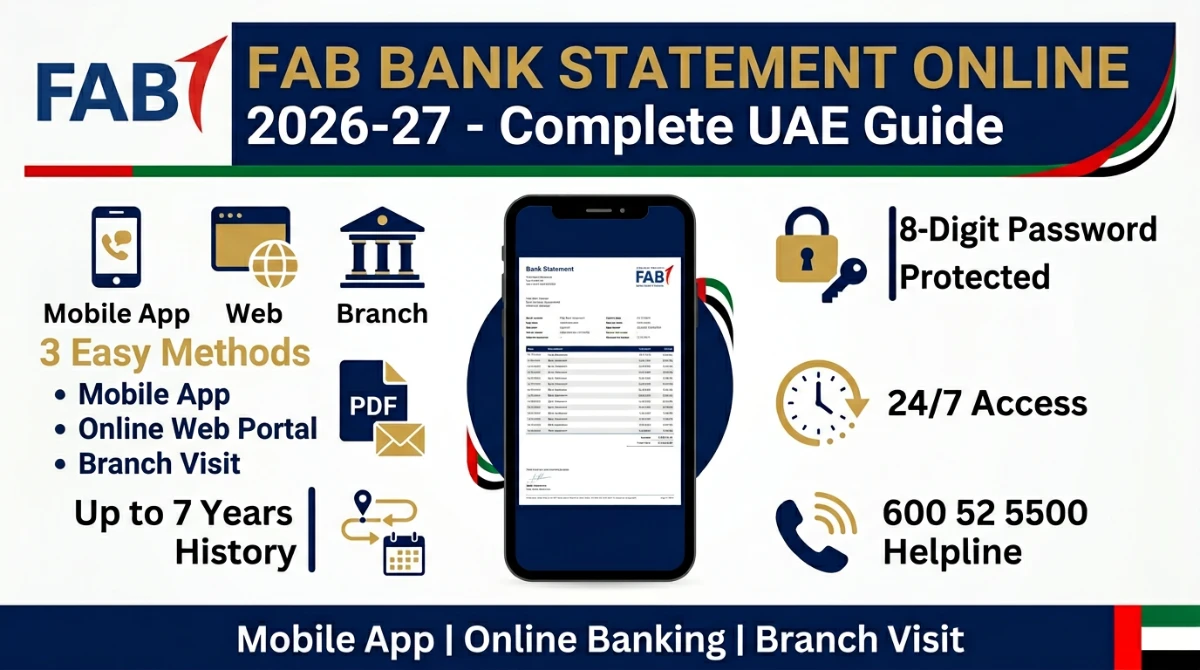
Need your FAB bank statement online right now — for a visa, a loan, your landlord, or just to track spending?
You're in the right place.
This is the most up-to-date, fully-verified guide for 2026-27. Inside, you'll discover exactly how to pull your First Abu Dhabi Bank (FAB) statement in PDF — in under 2 minutes — straight from official channels.
- The 3 official methods to download a FAB bank statement (and which is fastest)
- Step-by-step instructions for the FAB Mobile App and Online Banking
- The exact e-statement password format (most people get this wrong)
- Fees, charges & how to get a stamped statement from a branch
- Common errors, fixes & FAB customer care numbers
Let's dive in.
What Is a FAB Bank Statement (and Why It Matters)
A FAB bank statement is the official record of every credit and debit on your First Abu Dhabi Bank account for a chosen period.
It's stamped, structured, and accepted across the UAE as legal proof of your financial activity.
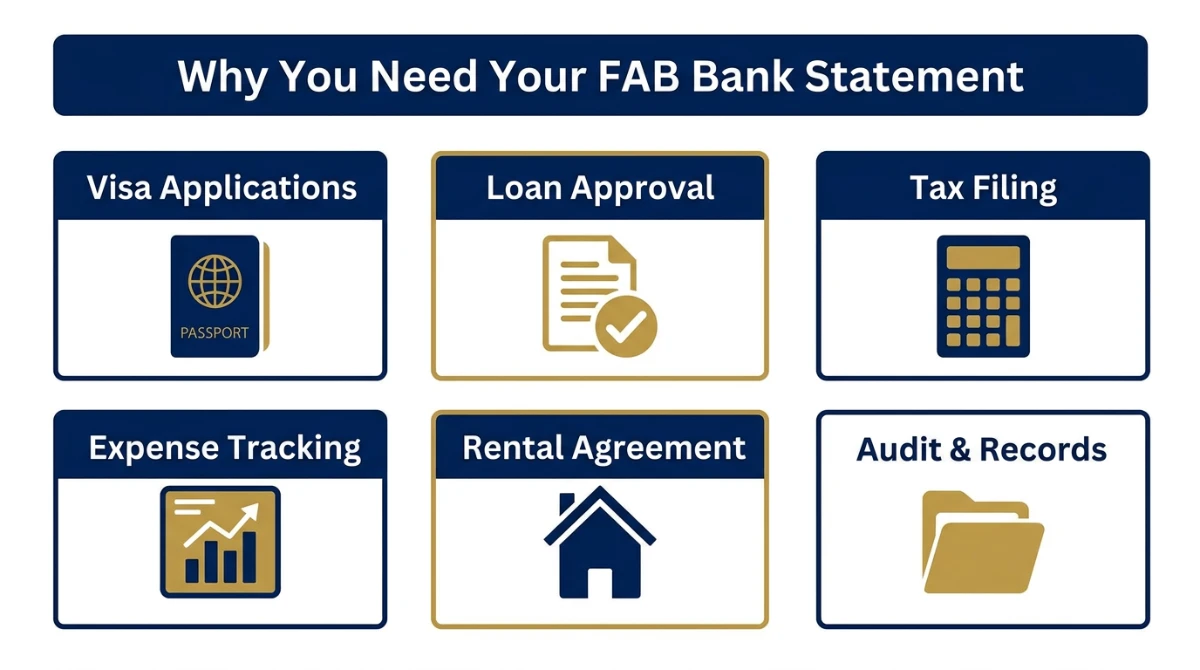
Here's where you'll usually need it:
- Visa applications — Schengen, UK, US, Canada visas almost always demand a 3–6 month statement
- Loan or credit card approvals — banks check your salary inflow and balance trend
- Rental contracts — landlords ask for proof of income before signing the Ejari
- Corporate tax & VAT filings — required for ZATCA-style audits and UAE Corporate Tax
- Personal expense tracking — see exactly where your salary goes each month
3 Official Methods to Get Your FAB Bank Statement
FAB gives you three official ways to access your statement.
Each one is secure. Each one is free for the basic e-statement. Pick whichever fits your situation.
| Method | Best For | Format | Speed | Fee |
|---|---|---|---|---|
| FAB Mobile App | Quick access on phone | PDF / Email | ~1 minute | Free |
| FAB Online Banking | Custom date ranges & printing | PDF download | ~2 minutes | Free |
| FAB Branch / Contact Centre | Stamped or certified statement | Printed / Email | 10–15 minutes | May apply |
If you've never set up digital banking, you can still get going today. All you need is your Emirates ID and your registered FAB mobile number.
Want a full walkthrough of opening a FAB savings account first? Read our complete FAB iSave Account opening guide before continuing.
Method 1: Download FAB Statement via FAB Mobile App
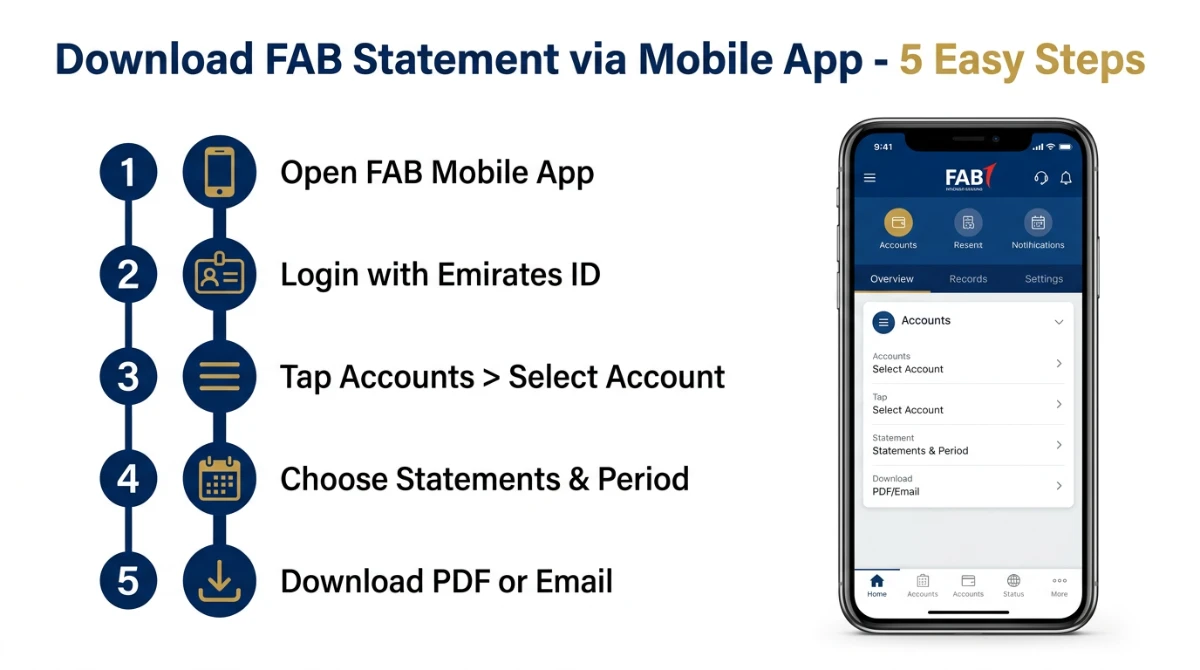
The FAB Mobile app is the fastest way to get your statement.
Why? Because the app already authenticates you with your Emirates ID and biometrics. No re-typing passwords. No waiting on hold.
Before You Start: What You'll Need
- An iPhone or Android device with a working internet connection
- Your Emirates ID (used for first-time registration)
- Your FAB Customer Number, debit card, or credit card number (existing customers)
- The latest version of the FAB Mobile app from Google Play or the App Store
Step-by-Step: FAB Mobile App Statement Download
| Step | Action | What You'll See | Time |
|---|---|---|---|
| 1 | Open the FAB Mobile app and log in | Home dashboard with account tiles | 10 sec |
| 2 | Tap the account you want a statement for | Account details & transactions | 5 sec |
| 3 | Tap "Statements" or the document icon | Statement options menu | 5 sec |
| 4 | Pick a period (last month, custom range, last year) | Statement preview | 10 sec |
| 5 | Tap "Download" (PDF) or "Email" | PDF saved or email sent | 20 sec |
That's it. Your FAB statement is now in your phone's Downloads folder — or in your registered email inbox.
Method 2: Download FAB Statement via Online Banking (Web)
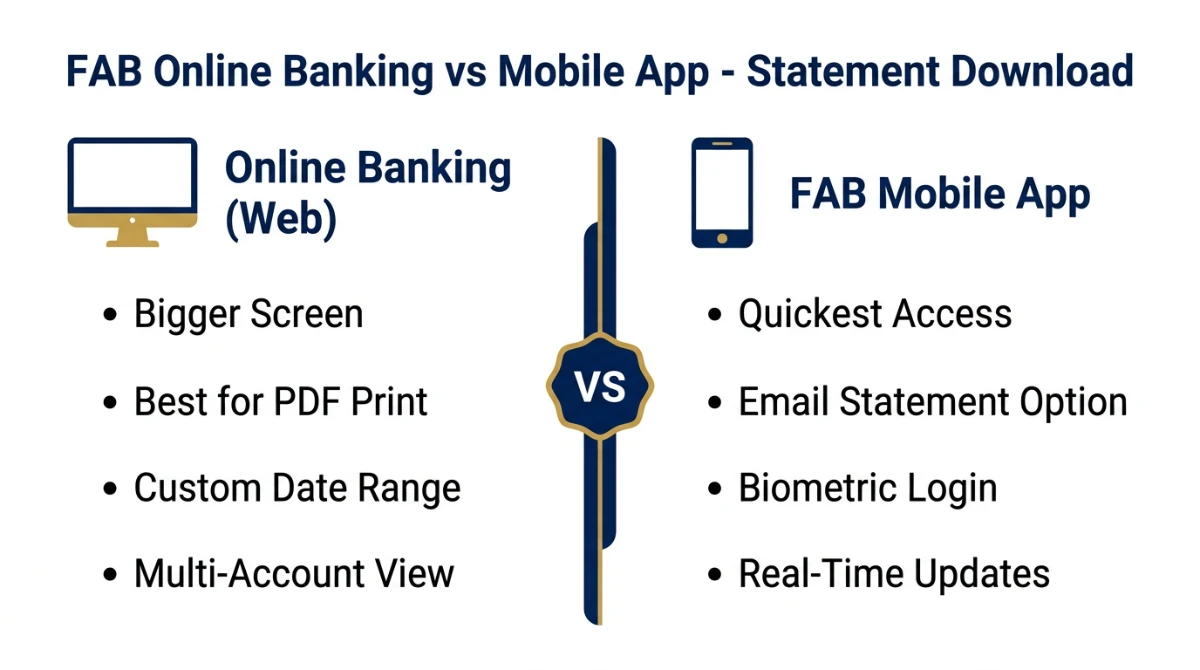
Prefer a desktop or laptop?
FAB's Online Banking portal is ideal when you need bigger previews, custom date ranges, or you're printing for a visa officer.
FAB Online Banking — Statement Download Steps
- Open online.bankfab.com in any modern browser
- Click Login and enter your User ID and password
- Complete the OTP / 2FA prompt sent to your registered mobile
- From the dashboard, click Accounts → choose your account
- Click Statements → choose the date range
- Click Download PDF — the e-statement will save to your computer
How to Open the FAB E-Statement PDF
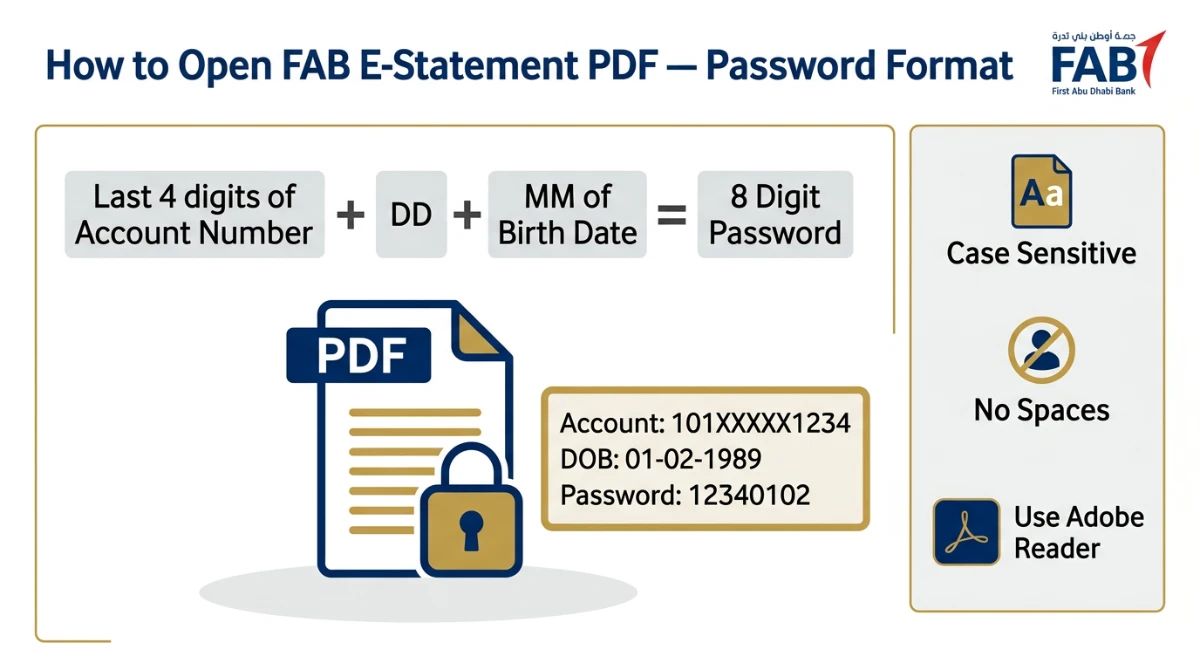
FAB e-statements are password-protected by design. That's a good thing — but trips up nearly everyone the first time.
Example: Account 101XXXXX1234, DOB 01-02-1989 → Password = 12340102
Open the file in Adobe Acrobat Reader or any standard PDF viewer. Type the 8-digit code with no spaces.
Method 3: Get a Stamped FAB Statement at a Branch
Sometimes a digital PDF isn't enough.
Embassies, courts, and certain government bodies require a stamped, attested statement printed on FAB letterhead. That's where the branch comes in.
What to Bring
- Your original Emirates ID
- Your FAB debit or credit card
- Account number (or cheque book) for reference
- The exact date range you need (e.g., "01 Jan 2025 to 31 Dec 2025")
Branch & Contact Centre Hours
| Channel | Number / Detail | Availability |
|---|---|---|
| FAB Service (UAE) | 600 52 5500 | 24/7 contact centre |
| International Callers | +971 2 681 1511 | 24/7 |
| Customer Email | [email protected] | Business hours |
| FAB Mall Branches | 11 a.m. – 7 p.m. | Saturday to Thursday |
Common Issues & How to Fix Them
Things don't always go to plan. Here's a quick troubleshooting cheat sheet.
| Problem | Likely Cause | Fix |
|---|---|---|
| "Password incorrect" on PDF | Wrong DDMM order or trailing space | Re-type 8 digits, no space; check DOB format |
| Statement email never arrives | Outdated email on file | Update email via app → Edit Profile |
| App login keeps failing | Wrong customer number or expired session | Reset via "Forgot Password" or call 600 52 5500 |
| Statement period older than 7 years | Beyond standard online retention | Visit branch with Emirates ID for archive request |
| Need stamped copy abroad | Embassy requirement | Request branch attestation, then ministry attestation |
FAB Statement Tips That Save You Time
Want to look like a pro? Use these shortcuts.
- Set monthly auto-emails: Inside the FAB Mobile app, enable monthly e-statement delivery so you never have to download manually again
- Pre-name your PDFs: When saving, use a clear name like FAB-Statement-Jan-2026.pdf for instant retrieval later
- Keep a 12-month folder: Most visa applications and loans request 6–12 months — store them in cloud (Google Drive, iCloud) so you're audit-ready
- Use the same browser: If you regularly access Online Banking, stick to one browser — saved security tokens speed up future logins
Looking for other UAE banking essentials? Don't miss our deep-dive on UAE bank account opening, savings products and digital banking guides.
Frequently Asked Questions
How can I get my FAB bank statement online for free?
You can download an electronic FAB bank statement free of charge through the FAB Mobile app or FAB Online Banking. Log in, open your account, tap or click Statements, choose your date range, and download the password-protected PDF or have it emailed to your registered address.
What is the password for my FAB e-statement PDF?
According to the official FAB FAQ, the e-statement password is the last four digits of your account number followed by the day and month of your date of birth (DDMM). For example, for account 101XXXXX1234 and DOB 01-02-1989, the 8-digit password is 12340102. No spaces, no other characters.
Can I get a 1-year or longer FAB bank statement online?
Yes. Both the FAB Mobile app and Online Banking allow you to choose a custom date range, including 12 months or more. For statements older than the standard online retention period, visit any FAB branch with your Emirates ID and request an archived statement.
Can I receive my FAB statement by email?
Yes. Both the app and the Online Banking portal include an email-statement option. The bank delivers the password-protected PDF to your registered email address. Make sure your email is current under Edit Profile → Personal Details in the FAB Mobile app before requesting.
Do I need a separate password for the FAB Mobile app?
Yes. App login uses your customer login credentials and biometric verification. The PDF e-statement uses a separate 8-digit password (last 4 digits of account number + DDMM of date of birth). The two passwords are not connected and serve different security purposes.
What number should I call for FAB statement help?
Call the FAB Contact Centre at 600 52 5500 from inside the UAE or +971 2 681 1511 from outside the UAE. The line is available 24/7. You can also email [email protected] for non-urgent statement queries from your registered email address.
Is the FAB e-statement legally accepted for visa applications?
Yes. The official FAB e-statement is widely accepted by UAE government bodies, embassies and other banks. For some embassies that demand a stamped or attested copy, you can request a printed statement on FAB letterhead from any branch by presenting your Emirates ID.
How do I update my email address so my FAB statements arrive correctly?
Open the FAB Mobile app, tap the menu in the top-right corner, choose Edit Profile, then go to the Personal Details tab. From there you can edit your mobile number, email address, and home address. The change takes effect for the next statement cycle.
Final Thoughts
Pulling your FAB bank statement online shouldn't take more than two minutes — and now you know exactly how.
Three takeaways before you go:
- The FAB Mobile app is the quickest path; Online Banking wins for big custom ranges; branches handle stamped or pre-2018 archives
- The 8-digit PDF password = last 4 digits of account number + DDMM of DOB — memorize it once, save hours forever
- Keep your registered email updated so e-statements arrive on time, especially before visa or loan deadlines
Your move: open the FAB Mobile app right now and download your latest month's statement — even if you don't need it yet. Future-you will be thankful when an embassy, landlord, or HR team asks for it on short notice.
Have a question we haven't covered, or a tip that worked for you? Drop it in the comments below — we read and reply to every message.
Sources
- FAB Personal Banking Home — https://www.bankfab.com/en-ae/personal
- FAB Mobile Banking — https://www.bankfab.com/en-ae/personal/help-and-support/digital-banking/mobile-banking
- FAB Help & Support — https://www.bankfab.com/en-ae/personal/help-and-support
- FAB FAQs (e-statement password & profile updates) — https://www.bankfab.com/en-ae/personal/help-and-support/faqs
- FAB Online Banking Login — https://online.bankfab.com/PersonalBankingWeb/login
- FAB Contact Us (Contact Centre numbers) — https://www.bankfab.com/en-ae/contact-us
- FAB Fraud & Security ([email protected]) — https://www.bankfab.com/en-ae/personal/help-and-support/fraud-and-security
- FAB Personal Bank Accounts — https://www.bankfab.com/en-ae/personal/accounts
- FAB Key Facts Statements — https://www.bankfab.com/en-ae/personal/key-facts-statements
All information verified from official First Abu Dhabi Bank (FAB) sources on 04 May 2026.
